Paste a song.
Sing along.
A lyrics player made for the big screen. Drop in a YouTube song or a whole playlist and the words light up line by line.
Your shelf
Karaoke night, on the big screen.
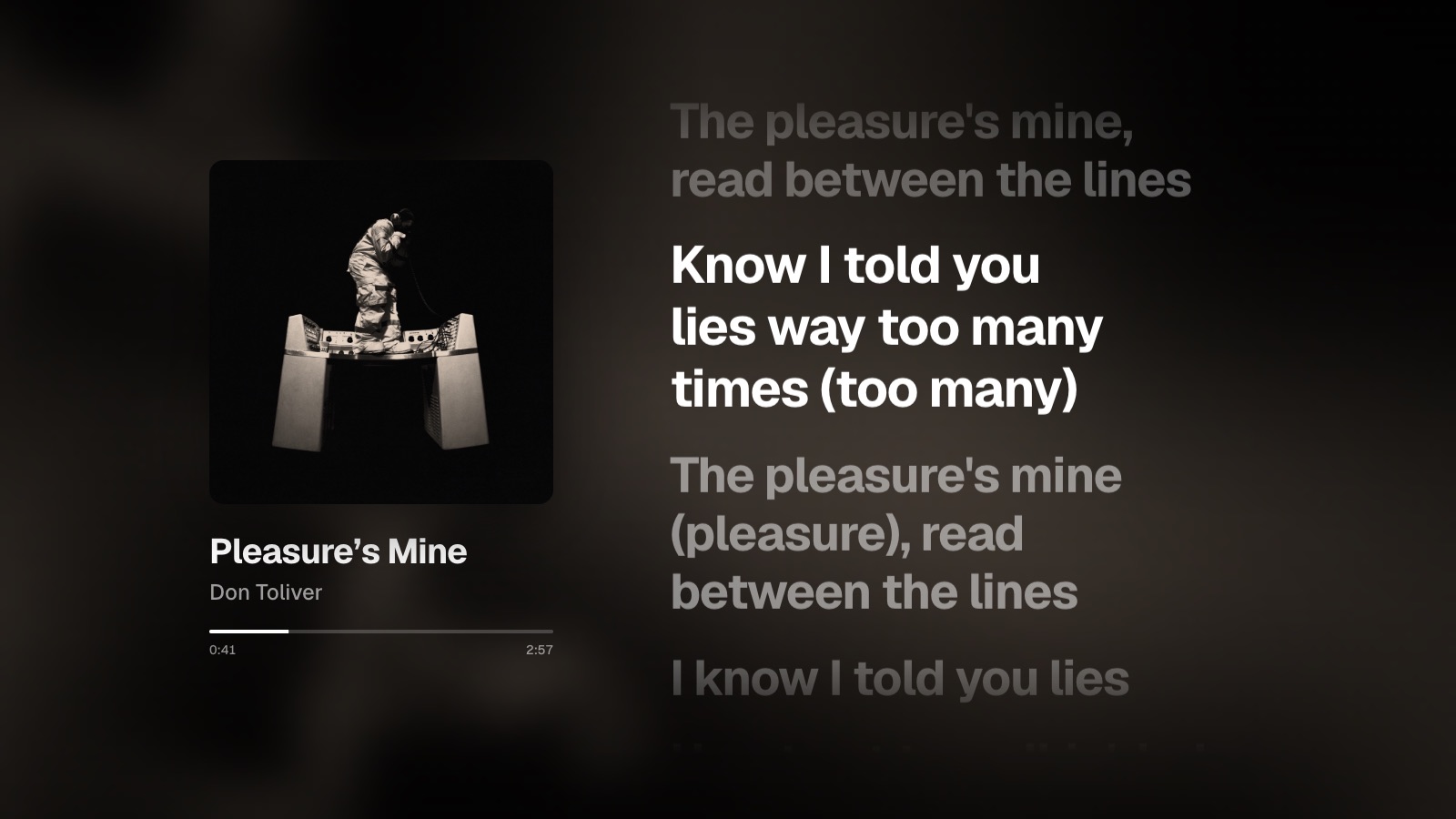
Blurred cover art fills the room, the song sits on the left and the lyrics play on the right. Hit fullscreen, and enjoy your favorite tracks.
zapzarap · a ready-made playlist, no setup needed
Lyrics that keep up
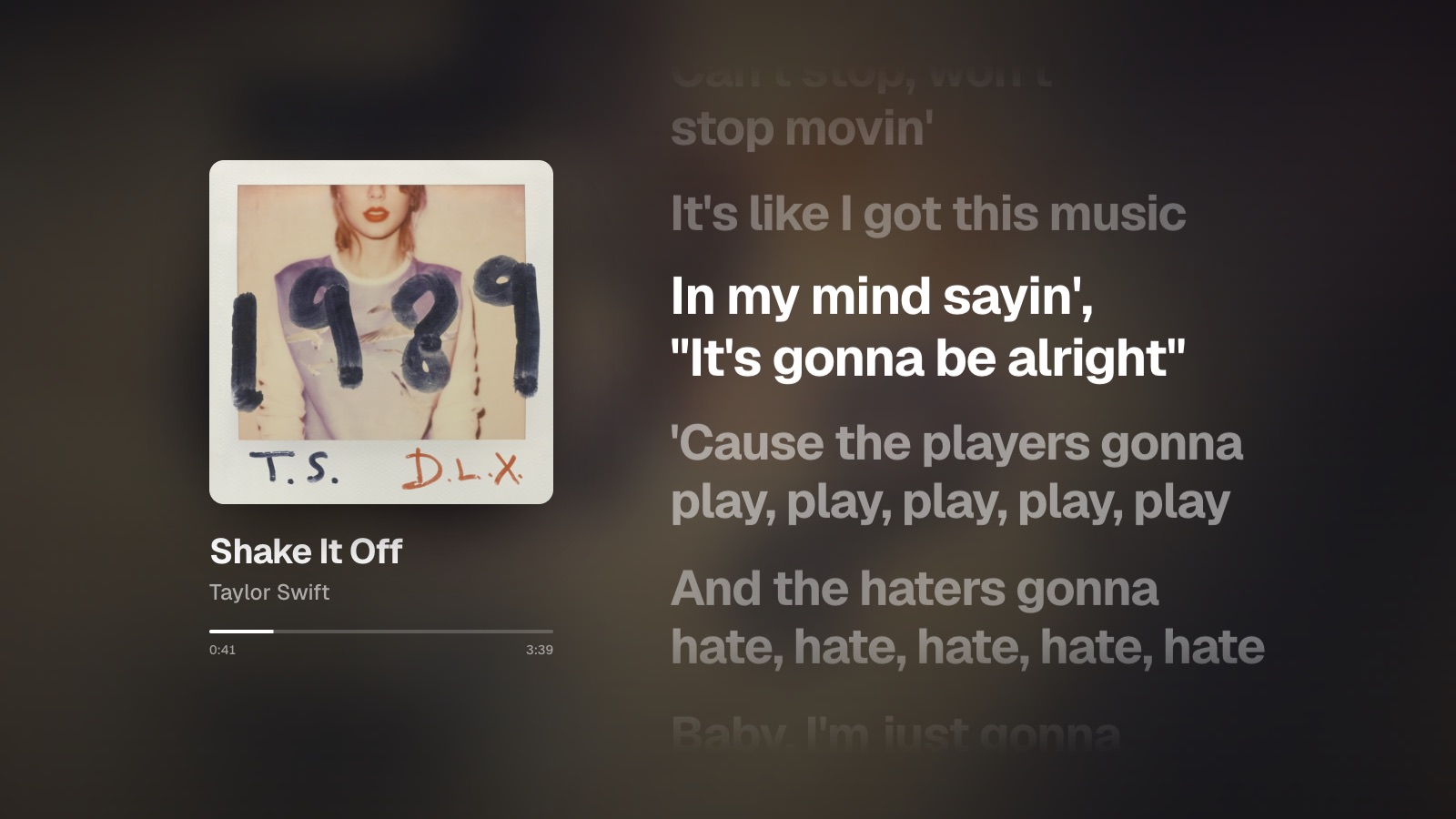
The current line lights up and the rest fade back, with dots through intros and breaks. Click any line to jump there. Songs with only plain lyrics scroll along slowly instead.
[]nudge the timing
Song or music video
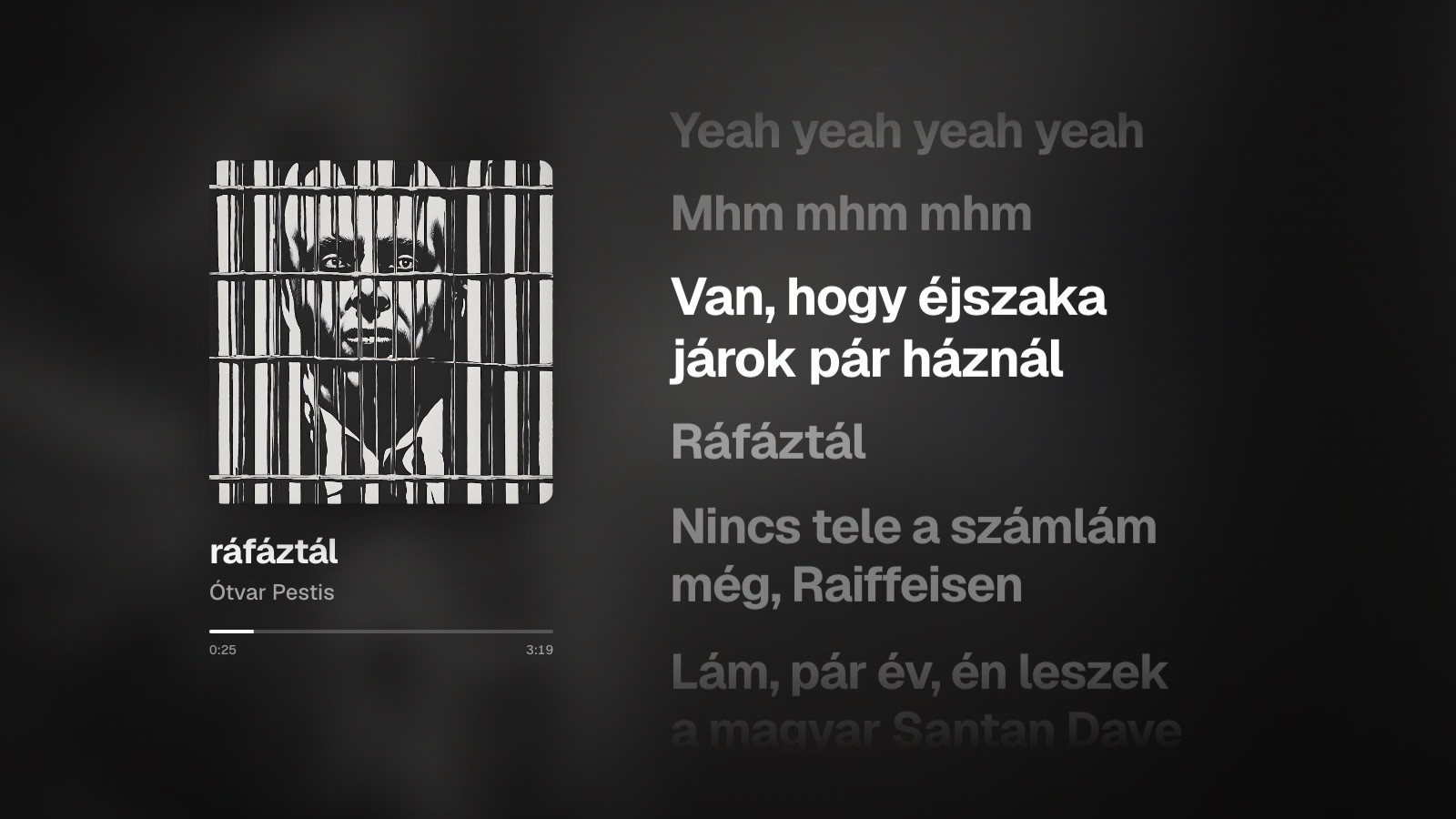
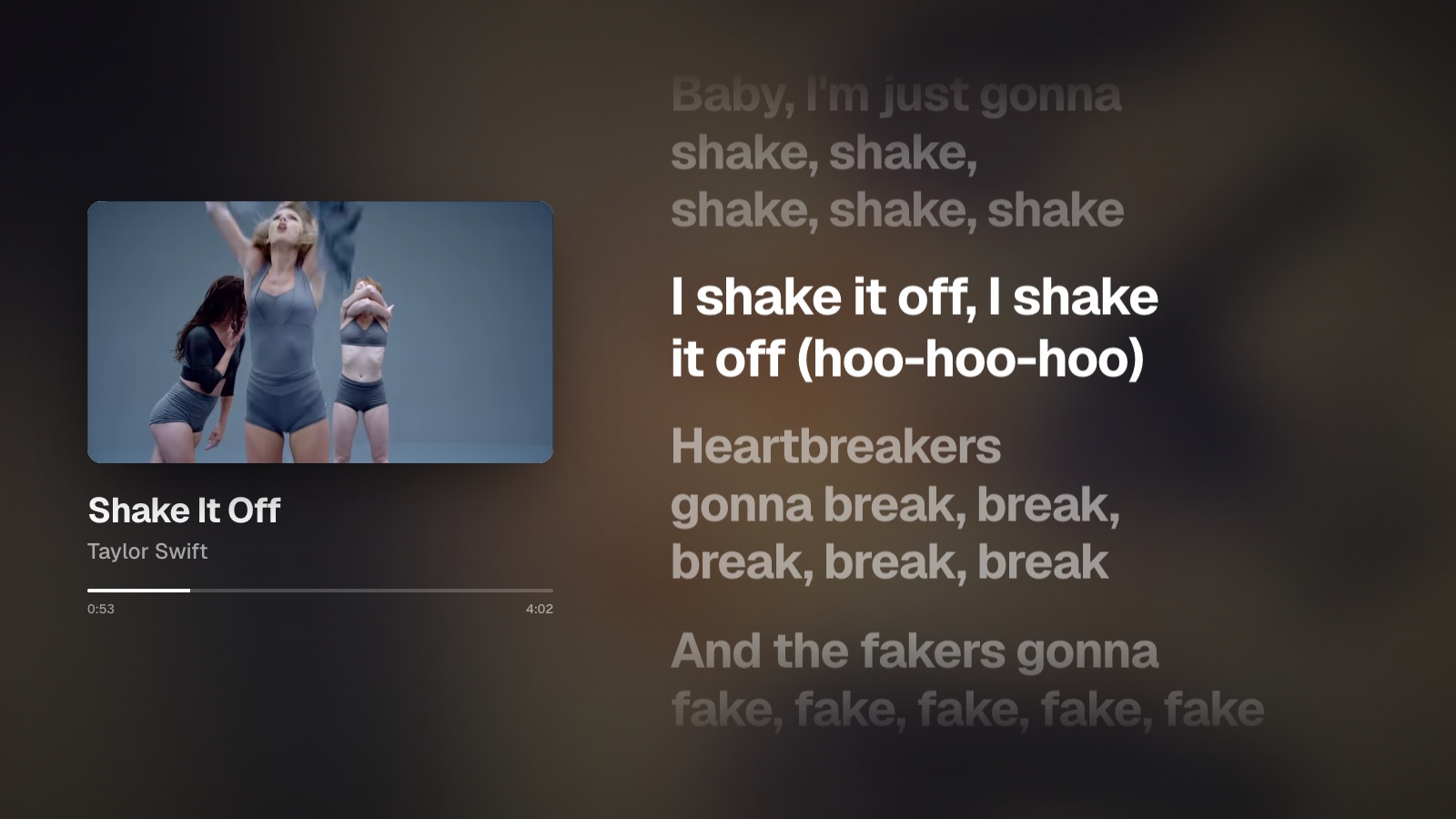
Switch between the album audio and the official video, like YouTube Music. Playback stays on the same lyric line, even when the video has a longer intro.
Vswitch
Whole playlists
Paste a playlist link and it plays start to finish. Open the queue to jump to any track, and an “Up next” card shows up near the end of each song.
Qqueue
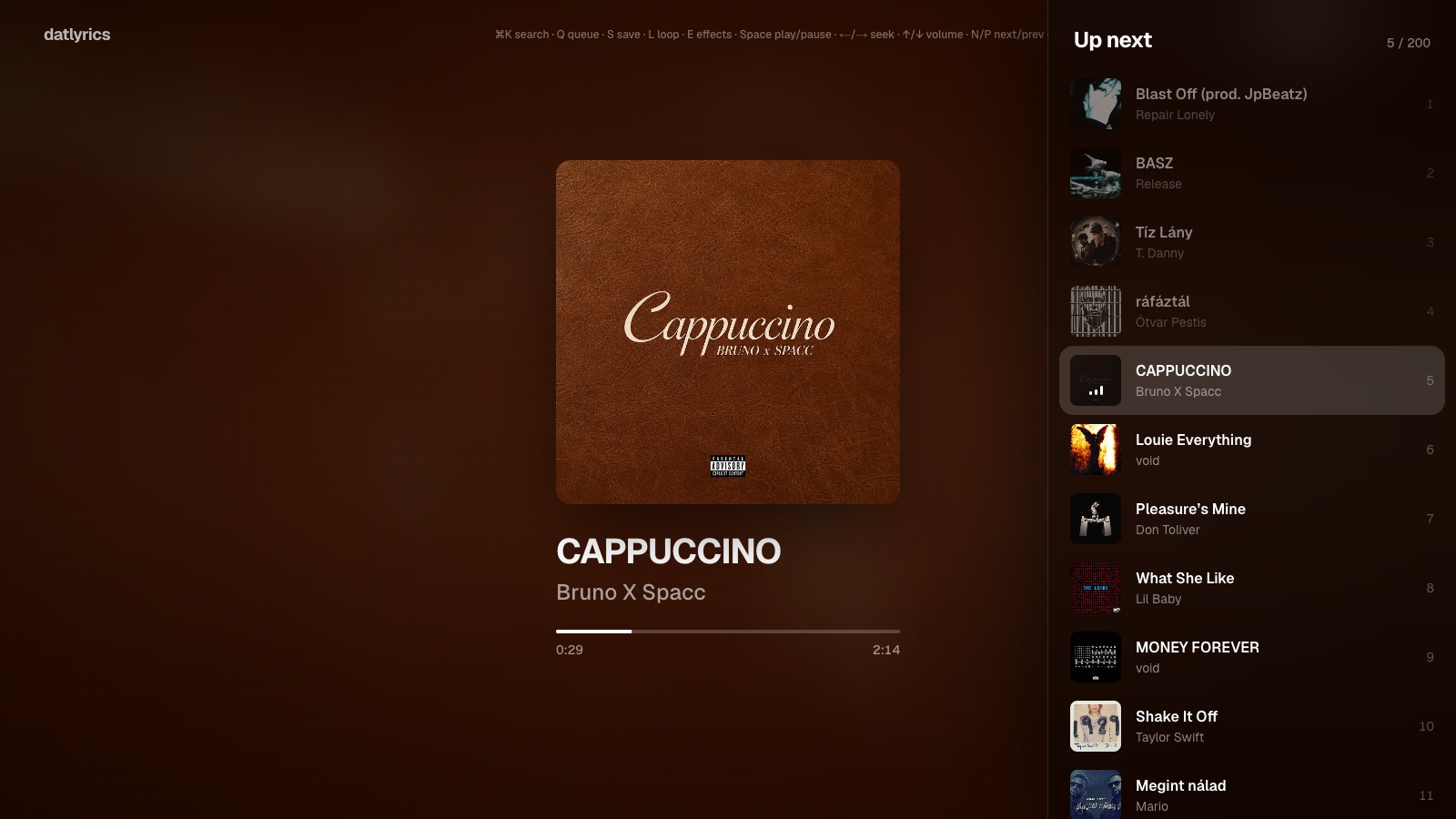
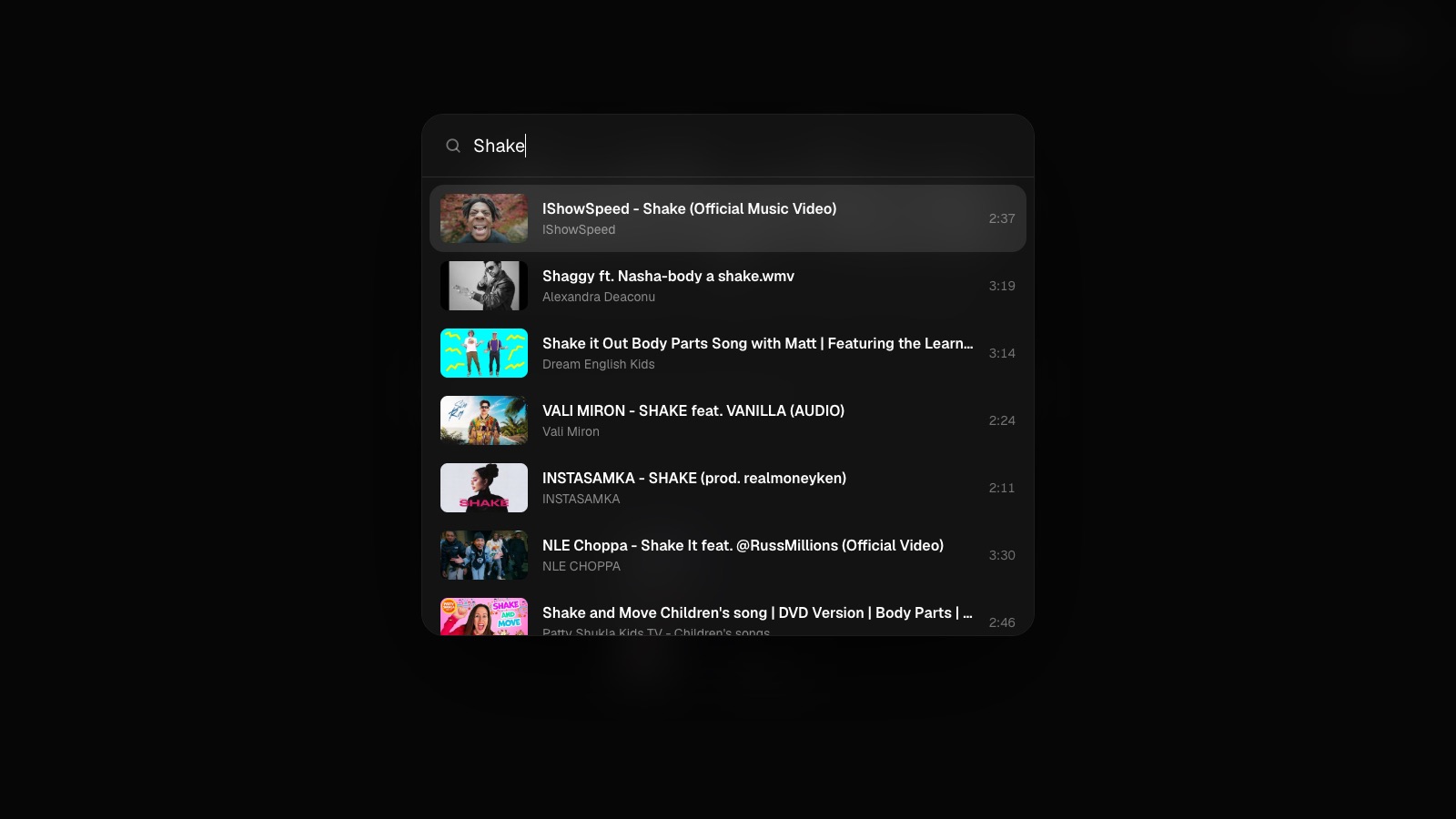
Search or paste
Type a song name, or paste any youtube.com, youtu.be or music.youtube.com link. Search opens from anywhere, even mid-song.
⌘Ksearch
Real album art
Covers come from iTunes and prefer the original release, so you see the album, not a video still.
Living background
The blurred cover drifts and breathes behind the lyrics. Built to stay smooth on 4K TVs.
Saved favorites
Press S while playing to keep a song or playlist on the home page. Stored in your browser only.
Loop
Press L to keep one song on repeat, inside a playlist too.
Keyboard only
No buttons on screen and a cursor that hides itself. Everything has a shortcut.
No account
No sign-up, no API keys, no cookies, no analytics.
Everything is a keystroke
- Search or paste a link
- ⌘K
- Play / pause
- Space
- Seek 5 seconds
- ←→
- Volume
- ↑↓
- Next / previous
- NP
- Song / music video
- V
- Queue
- Q
- Save to home
- S
- Loop
- L
- Background effects
- E
- Lyrics earlier / later
- []
- Fullscreen
- F
Try it right now.
Start the demo playlist, or scroll back up and paste your own. No account, nothing to install.